

Neonix Launcher
The official Windows launcher for I.G.I. 2. Browse multiplayer servers, explore campaign missions and maps, and manage mods in one place.
v0.18.1 · Windows · 902 kB
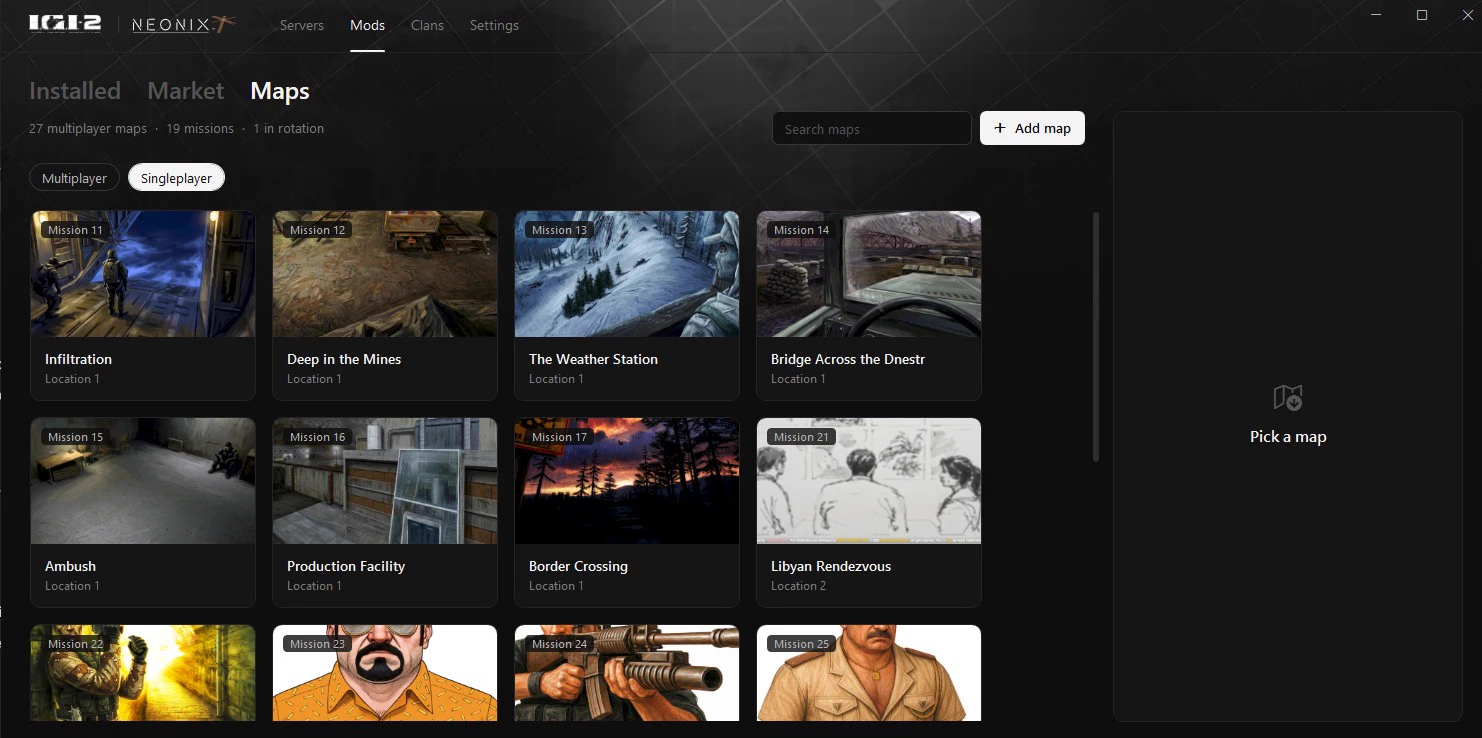


First launch
Requires an installed copy of I.G.I. 2 and Windows 10 or 11 with .NET Framework 4.8. Run NeonixLauncher.exe next to igi2.exe or select igi2.exe under Settings → Game. The launcher runs without an installer.
Updating the launcher
Your nickname, clan membership and settings follow your Windows account. If your previous launcher kept its settings beside the EXE, open the new EXE from that folder once to import them.
If you already opened the update and got an empty profile, close the launcher. Copy NeonixLauncher.ini from the old folder to the location below, then reopen the launcher.
%APPDATA%\Neonix Launcher\NeonixLauncher.ini
SHA-256
22E8144AEE4CD6DA3E9A28685A344691BA8709D8685A12711460F4E0B3AF7EFE
This executable is unsigned.
Support and updates
Join the Neonix Discord for launcher support and updates.